
Confirmation And Warning Modals

Desperados 3
- Status
- Released
- Year
- 2020
- Genre
- Strategy
- Platforms
- Windows, macOS, Linux
1. Summary
Centered non-diegetic modal dialogs that interrupt the current menu or pause flow to confirm consequential actions or present setup warnings. They use a dark engraved panel, short prompt text, and high-contrast bottom buttons such as Yes/No or a single confirm action.
Overview
Reusable confirmation and warning modals appear as centered, ornate dark panels over a dimmed version of the current screen. The same structure is used for menu exit, mission exit, subtitle setup, difficulty adjustment, and warning/acknowledgement prompts.
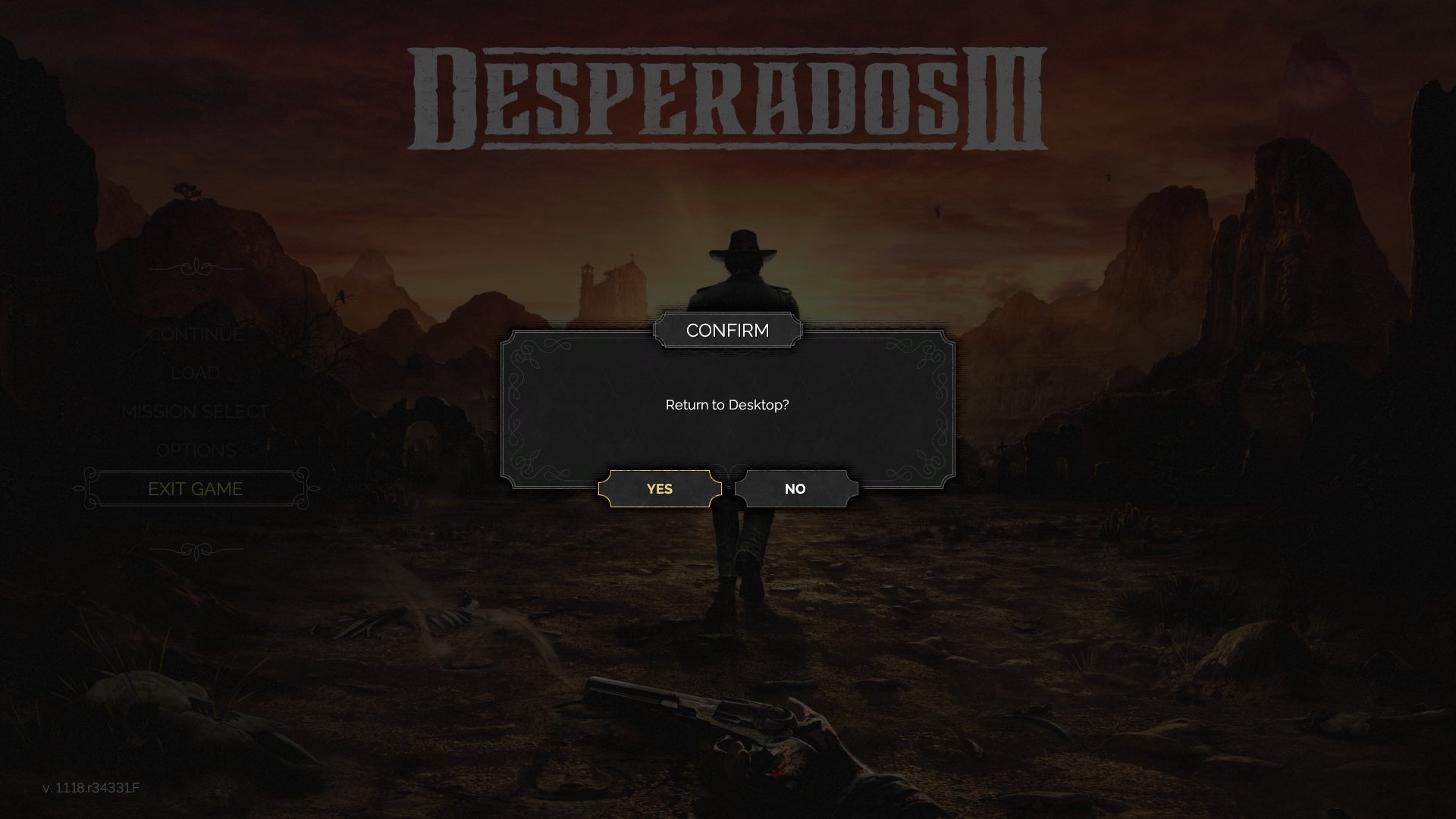
The modal captures focus while leaving the current screen faintly visible behind it. In the main-menu exit case, the left navigation remains visible but inactive, and the confirmation panel becomes the only meaningful interaction target.
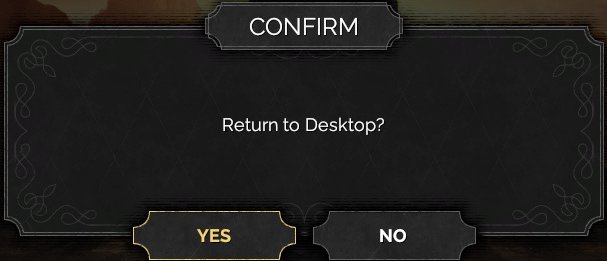
The content area is intentionally minimal: a title tab, a short question, and bottom-aligned response buttons. The focused response uses a brighter gold treatment, visible here on Yes.
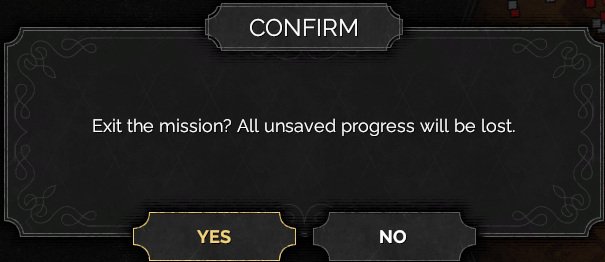
The same modal pattern is reused over the pause/map interface for mission-abandonment confirmation, reinforcing that the dialog is a system-level interruption rather than part of the map itself.
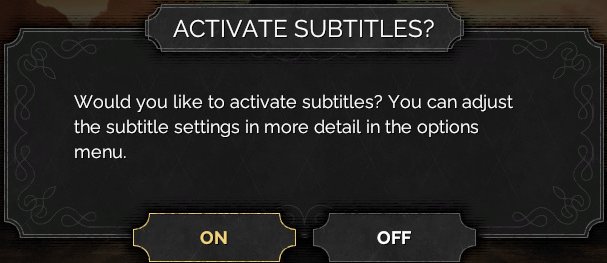
Setup prompts use the same framed shell and button placement as destructive confirmations, but the body copy asks for a preference rather than warning about a loss of progress.
Job Story
When I choose an action that may change setup, abandon mission progress, or leave the game, I want the interface to ask for confirmation in a focused modal, so that I can prevent accidental destructive or disruptive actions.
Classification
- diegesis: Non-diegetic
- functional_type: Feedback notification
- component_type: Button
Wireframe
[dimmed current screen: main menu / mission select / pause map]

                 ┌──────────── title tab ────────────┐
                 │              CONFIRM              │
           ┌─────┴───────────────────────────────────┴─────┐
           │                                                 │
           │             Short confirmation text             │
           │                                                 │
           └───────────────┬─────────────┬─────────────────┘
                           │     YES     │      NO         │
                           └─────────────┴─────────────────┘
Components
- Dimmed modal backdrop over the active menu or pause screen.
- Ornate dark rectangular dialog frame with decorative corner filigree.
- Top-center title tab, commonly CONFIRM for confirmation flows.
- Centered prompt/body label.
- One or two beveled action buttons along the bottom edge.
- Gold focused/primary button highlight.
- Optional loading/spinner icon for warning or background-operation messages.
Parameters & Audio
| Parameter | Value | Type | Notes |
|---|---|---|---|
| Visual transition | the background is darkened immediately when the modal appears. | Text | — |
| Focus feedback | selected buttons brighten with gold text/border treatment. | Text | — |
| Audio | expected menu-confirm and menu-cancel sounds should fire on response selection; source screenshots do not provide direct audio evidence. | Text | — |
| Animation | no visible animation is captured in the static references; treat any fade/scale-in behavior as implementation-dependent unless verified in video. | Text | — |
Dependencies & Logic
- Modal copy, button count, and destination depend on the triggering game state: main menu exit targets the desktop; pause/menu exit targets mission abandonment; setup prompts depend on whether subtitles or difficulty configuration still need confirmation. The modal must suspend input routing to the underlying UI and restore it only after dismissal. Destructive confirmations should only execute once the affirmative button is activated.
BDD Scenarios
Scenario: Confirm return to desktop
- Given
- the player is on the main menu
- When
- the player activates `Yes`
- Then
- the game proceeds with exiting to the desktop
- And
- the return-to-desktop confirmation modal is open
Scenario: Cancel return to desktop
- Given
- the player is on the main menu
- When
- the player activates `No`
- Then
- the modal closes
- And
- the return-to-desktop confirmation modal is open
- And
- the main menu remains available
Scenario: Confirm exiting the current mission
- Given
- the player is in the pause/menu flow during a mission
- When
- the player activates the affirmative response
- Then
- the game exits the current mission flow
- And
- the exit-current-mission confirmation modal is open
Scenario: Dismiss setup prompt
- Given
- the subtitle setup modal is open
- When
- the player chooses either response
- Then
- the modal closes
- And
- the selected preference is applied or skipped according to the response
Scenario: Underlying screen is blocked
- Given
- any confirmation or warning modal is open
- When
- the player attempts to interact with the background menu
- Then
- background controls do not activate until the modal is dismissed
Edge Cases
- Rapid repeated confirmation input should not execute the destructive action more than once.
- If the player backs out while a modal is open, the modal should close or remain focused according to platform conventions, without activating background UI.
- Long localized prompt text must remain inside the framed panel and not collide with the title tab or bottom buttons.
- Two-button modals must preserve clear focus indication so Yes and No cannot be confused.
- Warning/loading modals should not leave the player stuck if the underlying operation completes or fails.
QA Notes
- Verify each modal variant appears over the correct triggering screen: main menu, mission select, pause/map, and setup flow.
- Verify the dimmed backdrop blocks pointer, keyboard, and controller focus from reaching the underlying UI.
- Verify affirmative and negative choices route to different outcomes and preserve/cancel mission or menu state correctly.
- Verify focus highlight, default selection, keyboard/controller navigation, and mouse hover are readable against the dark panel.
- Verify prompt text and buttons remain legible at supported aspect ratios and UI scales.
References
- 1.
Desperados III (L108-138 of 283)
- 2.
- 3.
- 4.
- 5.
- 6.