
Difficulty Selection Dialog

Desperados 3
- Status
- Released
- Year
- 2020
- Genre
- Strategy
- Platforms
- Windows, macOS, Linux
1. Summary
A centered frontend modal used before starting a new game or mission to choose a difficulty preset and inspect its gameplay modifiers. The Normal preset view shows a short recommendation, optional detail expansion, preset arrows, and OK/Cancel actions.
Overview
The Difficulty Selection Dialog is a non-diegetic frontend modal displayed over a dimmed menu background. In the documented Normal preset, it explains the selected difficulty, recommends it for players familiar with the real-time tactics genre, and lets the player either confirm, cancel, change preset, or open a detailed parameter view.
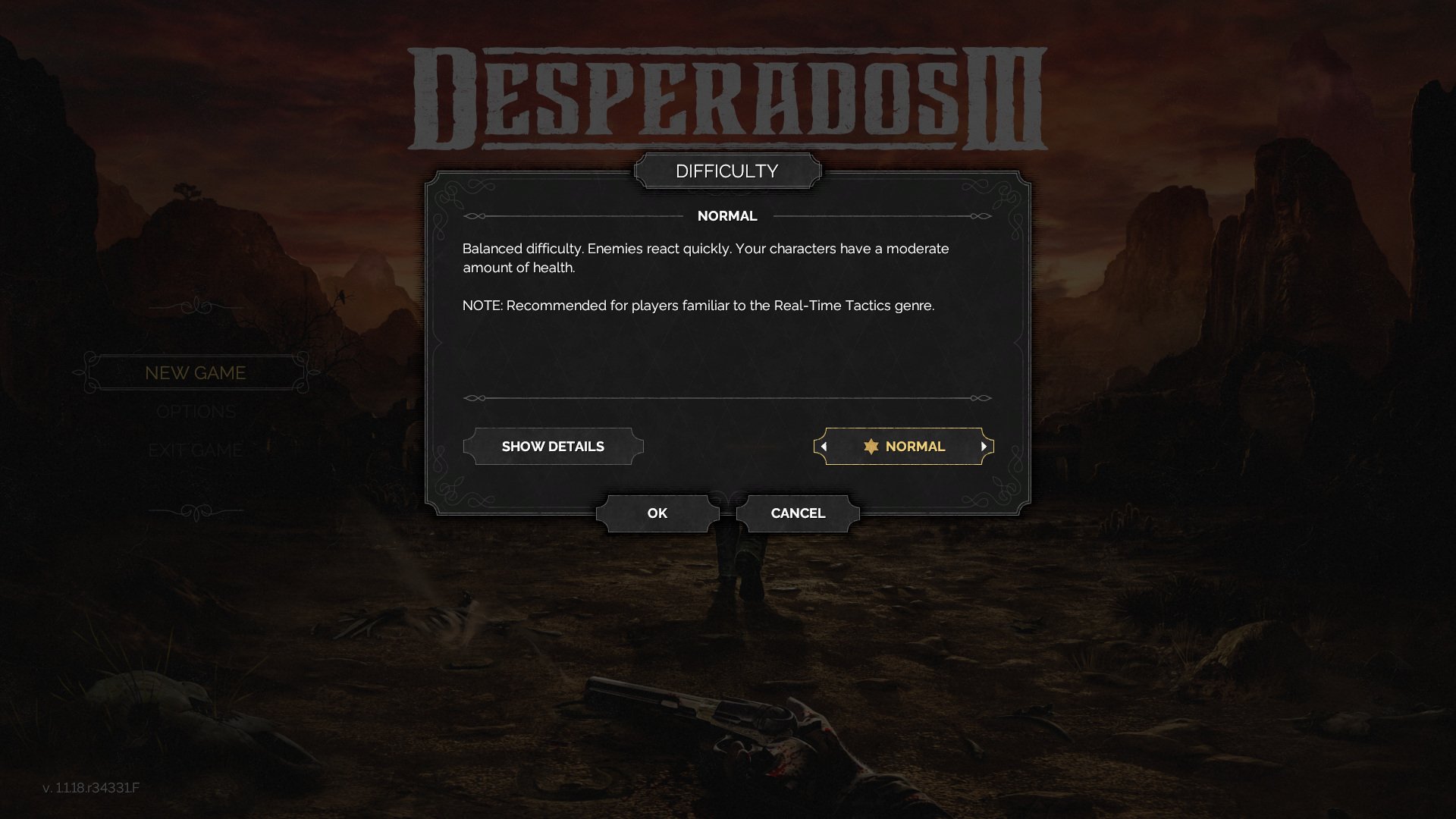
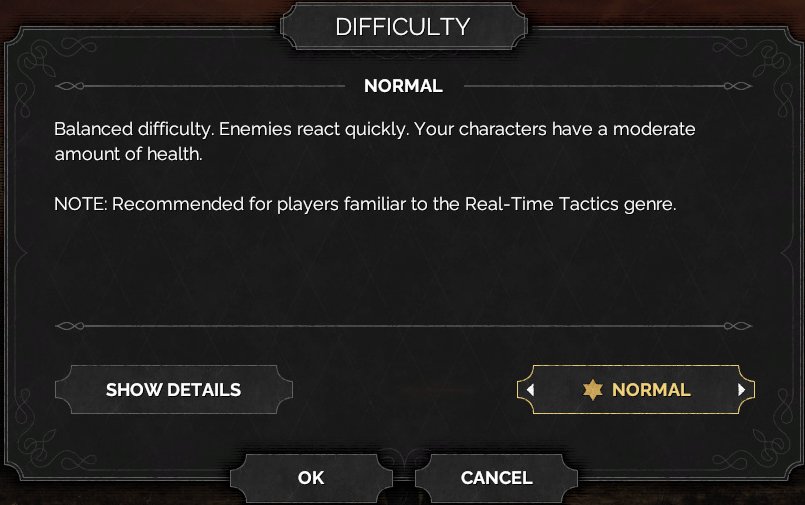
The collapsed state emphasizes the current preset, NORMAL, with a short explanation: enemies react quickly and characters have a moderate amount of health. A SHOW DETAILS button opens the expanded tuning breakdown while the preset selector remains available on the right.
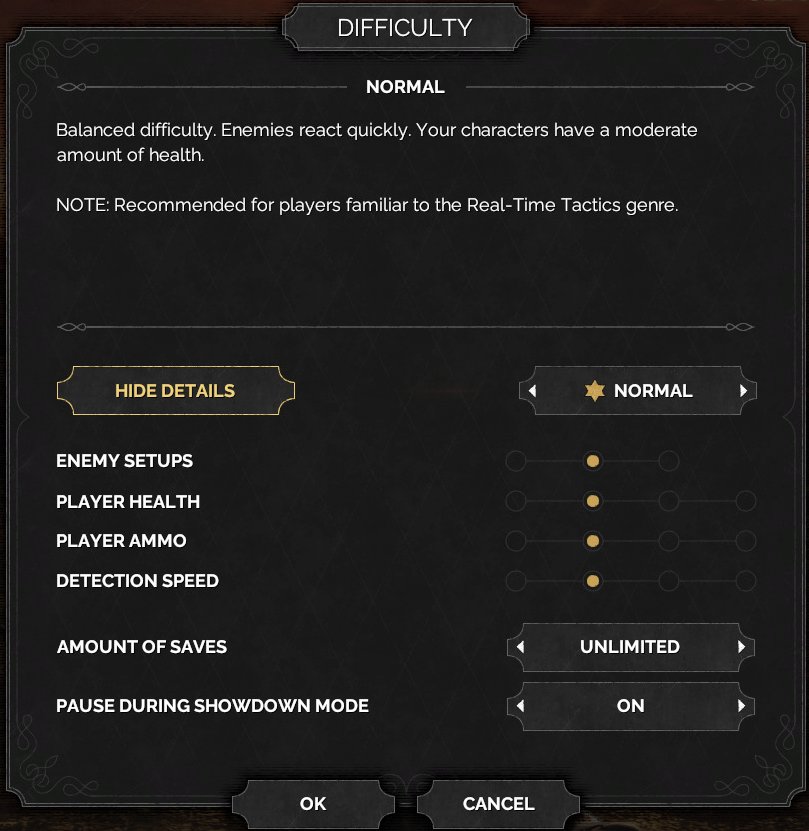
In the expanded state, the same modal grows downward and exposes difficulty rule rows: ENEMY SETUPS, PLAYER HEALTH, PLAYER AMMO, DETECTION SPEED, AMOUNT OF SAVES, and PAUSE DURING SHOWDOWN MODE. The visible Normal configuration shows AMOUNT OF SAVES as UNLIMITED and PAUSE DURING SHOWDOWN MODE as ON, with dot indicators communicating relative values for the other parameters.
Job Story
When I am about to start a campaign or mission, I want to compare difficulty presets and their concrete rule changes, so that I can choose a challenge level that matches my tactics experience before committing.
Classification
- diegesis: Non-diegetic
- functional_type: Frontend shell
- component_type: List/grid
Wireframe
                    [ DIFFICULTY ]
+--------------------------------------------------+
|                      NORMAL                      |
|  Difficulty summary and recommendation note      |
|                                                  |
|  [ SHOW/HIDE DETAILS ]        < * NORMAL >       |
|                                                  |
|  ENEMY SETUPS                 o--●--o            |
|  PLAYER HEALTH                o--●--o--o         |
|  PLAYER AMMO                  o--●--o--o         |
|  DETECTION SPEED              o--●--o--o         |
|                                                  |
|  AMOUNT OF SAVES              < UNLIMITED >      |
|  PAUSE DURING SHOWDOWN MODE   < ON >             |
|                                                  |
|             [ OK ]        [ CANCEL ]             |
+--------------------------------------------------+
Components
- DIFFICULTY title plaque.
- Selected difficulty label, visible as NORMAL in the evidence.
- Difficulty summary body copy and recommendation note.
- SHOW DETAILS / HIDE DETAILS toggle button.
- Difficulty preset selector with left/right arrows, gold star, and current preset label.
- Modifier rows: enemy setups, player health, player ammo, detection speed.
- Rule selectors: amount of saves and pause during Showdown mode.
- Confirmation buttons: OK and CANCEL.
- Decorative modal frame, divider lines, and dimmed background overlay.
Parameters & Audio
| Parameter | Value | Type | Notes |
|---|---|---|---|
| Visual feedback uses gold highlighting for selected or focus-important controls, especially the active preset and SHOW/HIDE DETAILS button. | Visual feedback uses gold highlighting for selected or focus-important controls, especially the active preset and SHOW/HIDE DETAILS button. | Text | — |
| Expanded details use dot indicators to communicate relative modifier strength and arrow selector plates for discrete rule values like save allowance. | Expanded details use dot indicators to communicate relative modifier strength and arrow selector plates for discrete rule values like save allowance. | Text | — |
| Expected frontend audio feedback | subtle menu click on button press, arrow tick on preset/rule cycling, and confirmation/back sounds on OK or CANCEL; exact audio assets are not visible in source evidence. | Text | — |
Dependencies & Logic
- Depends on the available difficulty presets and their authored rule bundles.
- Preset selection drives descriptive copy, enemy setup level, player health, player ammo, detection speed, save allowance, and whether pausing during Showdown mode is enabled.
- The mission/new-game launcher must consume the confirmed preset only after OK; cancelled changes should not affect the pending start flow.
- The detailed rows depend on difficulty-tuning data rather than live mission state.
BDD Scenarios
Scenario: Open the difficulty dialog
- Given
- the player starts a new game or mission from the frontend
- When
- the difficulty dialog opens
- Then
- the background menu is dimmed the centered `DIFFICULTY` modal shows the current preset and `OK`/`CANCEL` actions
Scenario: Expand difficulty details
- Given
- the difficulty dialog is open in the collapsed preset view
- When
- the player activates `SHOW DETAILS`
- Then
- the modal expands vertically the detail toggle changes to `HIDE DETAILS` rows for enemy setups, player health, player ammo, detection speed, amount of saves, and Showdown pause are visible
Scenario: Confirm selected difficulty
- Given
- the player has selected a difficulty preset
- When
- the player activates `OK`
- Then
- the selected preset is applied to the new game or mission-start flow
Scenario: Cancel difficulty selection
- Given
- the difficulty dialog is open
- When
- the player activates `CANCEL`
- Then
- the dialog closes pending changes are not applied
Edge Cases
- Rapidly cycling presets should keep all labels, dot indicators, and selector values synchronized.
- Cancelling after changing presets should restore or preserve the previously committed difficulty, not the pending selection.
- Expanded details should remain readable at supported display resolutions and should not push OK/CANCEL off-screen.
- If a preset has unique rules, the detailed rows should either show its values or hide unavailable rows consistently rather than leaving stale data visible.
QA Notes
- Verify that SHOW DETAILS and HIDE DETAILS toggle without losing the selected preset.
- Verify each difficulty preset updates summary text, dot indicators, save allowance, and Showdown pause setting.
- Verify OK applies the chosen preset and CANCEL discards unconfirmed changes.
- Verify controller/keyboard focus order moves through the detail toggle, preset arrows, rule selectors, OK, and CANCEL predictably.
- Verify localization has enough space for long difficulty descriptions and parameter labels.
Mechanic Links
- Trial-and-Error Save Iteration Loop - Difficulty selection exposes the amount-of-saves parameter, which can change how freely players rely on the save iteration loop.
References
- 1.
Desperados III (L22-34 of 283)
- 2.
- 3.