
Display And Video Settings

Desperados 3
- Status
- Released
- Year
- 2020
- Genre
- Strategy
- Platforms
- Windows, macOS, Linux
1. Summary
Display and Video Settings is the non-diegetic options screen for configuring Desperados III's display output, gamma calibration, and graphics quality. It combines a row-based Video options list with a separate Gamma Correction dialog that helps players tune brightness before applying or cancelling changes.
Overview
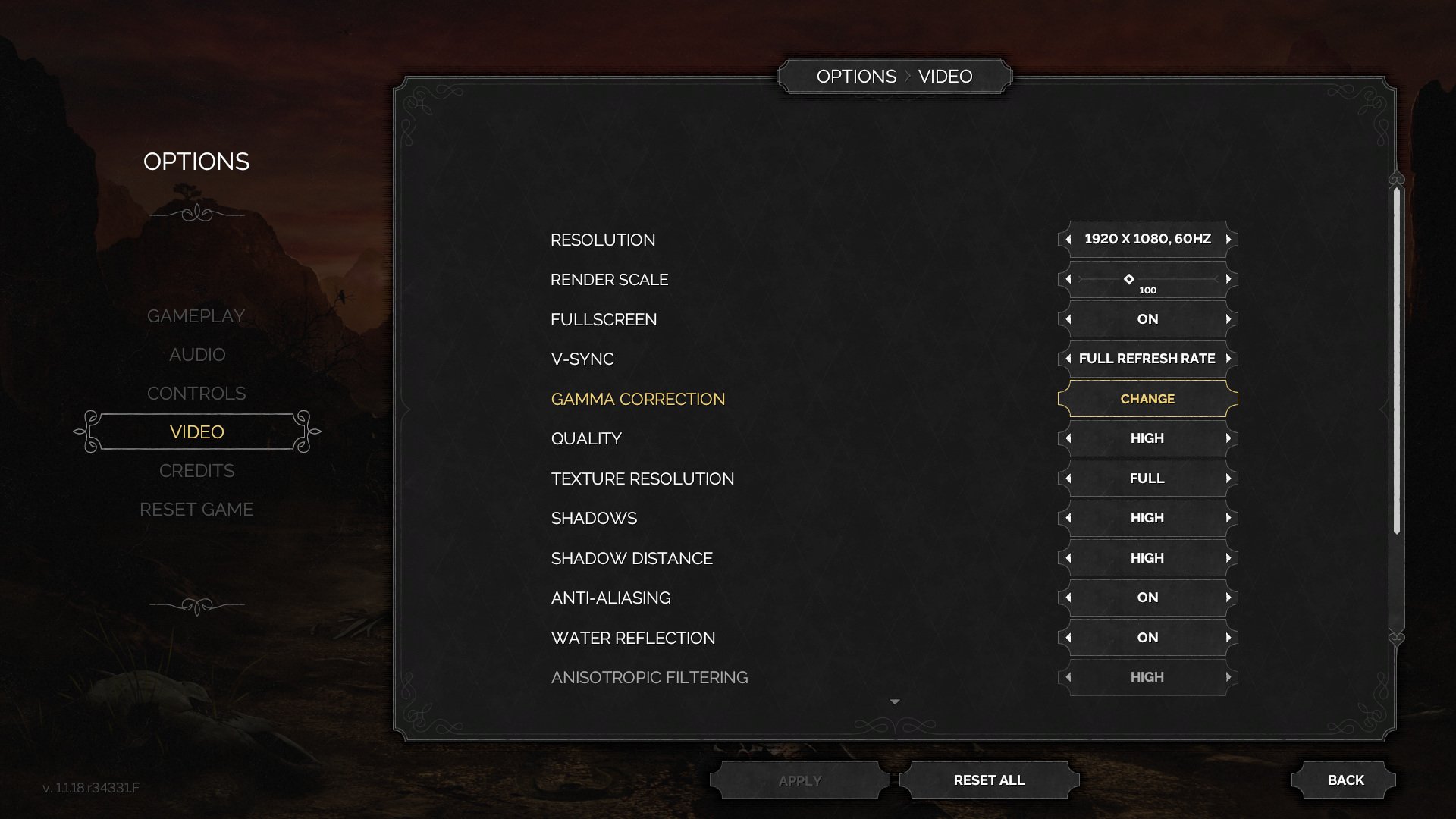
Display and Video Settings covers two closely related configuration surfaces: the main OPTIONS > VIDEO list and the separate Gamma Correction calibration dialog. Both use Desperados III’s dark Western menu language: translucent black panels, ornamental border flourishes, small uppercase labels, and gold highlight accents for selected controls.
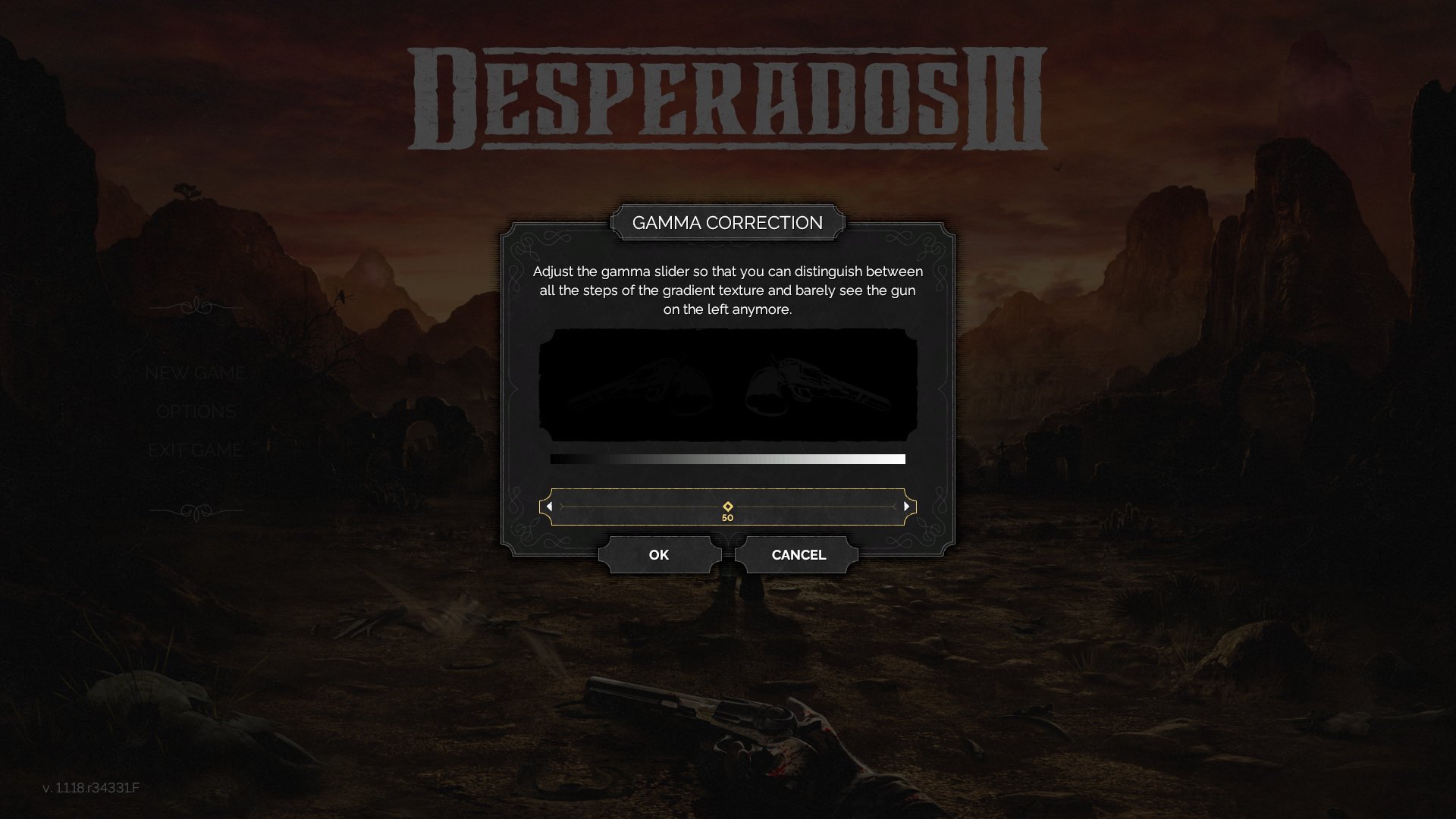
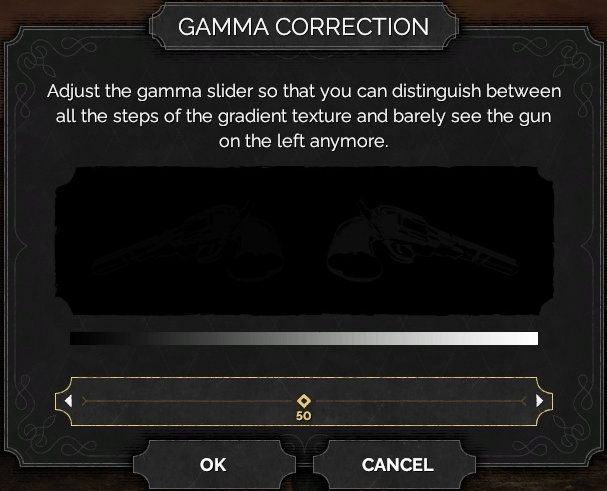
The Gamma Correction dialog is a centered modal over the dimmed title/menu background. It explains the visibility target, shows a calibration image and tonal strip, then provides a horizontal slider with OK and Cancel actions.
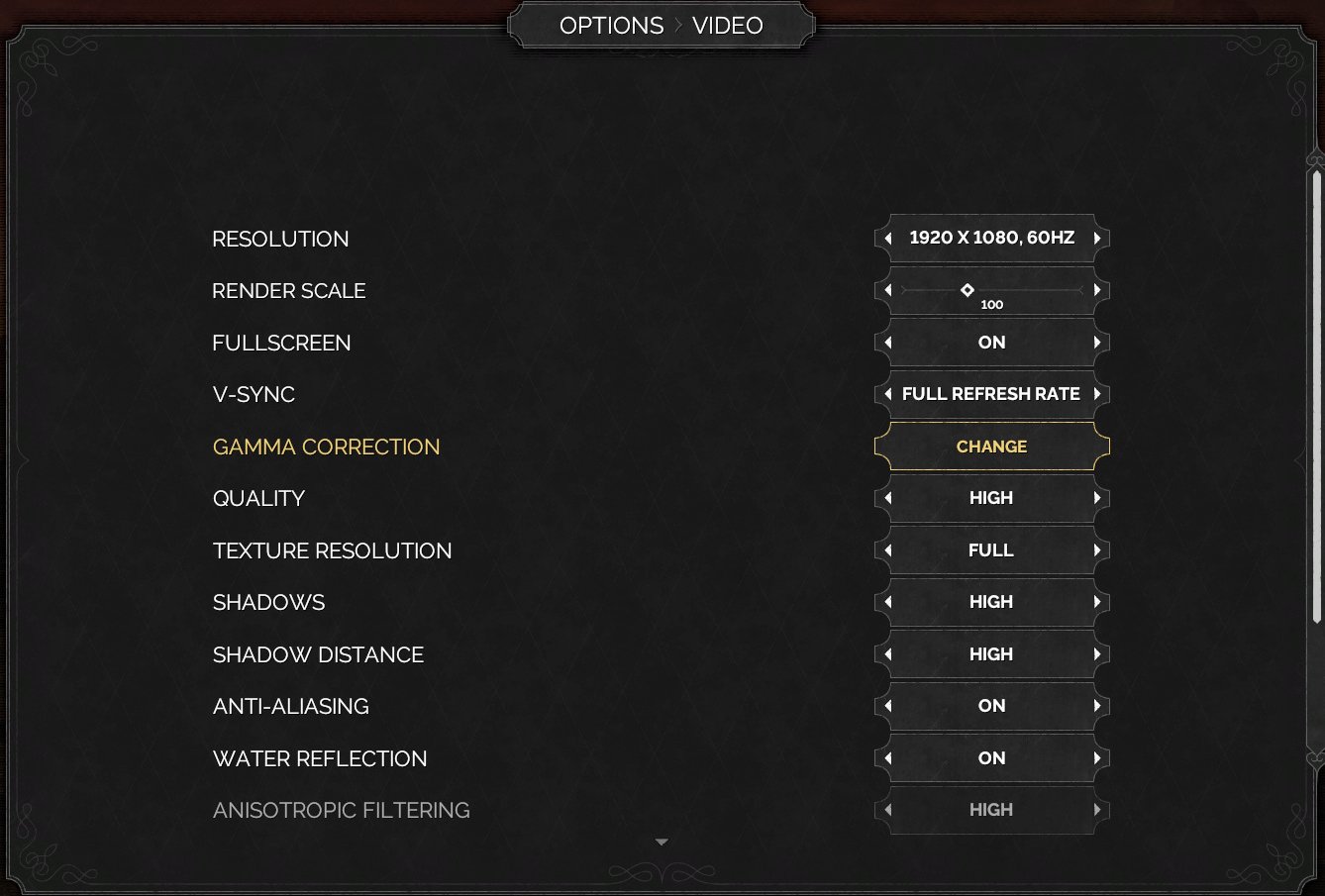
The Video settings screen places the category menu on the left and a large settings panel on the right. The panel lists display and graphics options in rows, including Resolution, Render Scale, Fullscreen, V-Sync, Gamma Correction, Quality, Texture Resolution, Shadows, Shadow Distance, Anti-Aliasing, Water Reflection, and Anisotropic Filtering. Values appear in right-aligned framed controls, commonly flanked by left/right arrows for cycling choices.
Job Story
When I am configuring the game before or between missions, I want display and video controls grouped in one predictable options screen, so that I can tune visibility, resolution, and performance without entering gameplay.
Classification
- diegesis: Non-diegetic
- functional_type: Frontend shell
- component_type: List/grid
Wireframe
OPTIONS MENU                 OPTIONS > VIDEO

[Gameplay]       +---------------------------------------------+
[Audio]          | Resolution              <1920 x 1080, 60Hz> |
[Controls]       | Render Scale            <      100       >  |
[Video] selected | Fullscreen              <       On       >  |
[Credits]        | V-Sync                  <Full Refresh Rate> |
[Reset Game]     | Gamma Correction        [     Change      ] |
                 | Quality                 <      High      >  |
                 | Texture Resolution      <      Full      >  |
                 | Shadows                 <      High      >  |
                 | ...                         [scrollbar]     |
                 +---------------------------------------------+
                         [Apply]       [Reset All]       [Back]

Gamma modal:
+------------------------------+
|       GAMMA CORRECTION       |
| Instruction text             |
| Calibration image            |
| Reference brightness bar     |
| <-----------slider----------> |
|        [OK]     [Cancel]     |
+------------------------------+
Components
- Options category navigation: left-side menu with Video selected.
- Breadcrumb/title tab: OPTIONS > VIDEO centered above the panel.
- Video option rows: text labels paired with value selectors or action buttons.
- Arrow value selectors: left/right controls for cycling settings such as resolution, quality, shadows, and toggles.
- Scrollbar: right-side indicator for longer settings lists.
- Bottom action buttons: Apply, Reset All, Back.
- Gamma Correction modal: title, instructions, calibration image, brightness reference strip, numeric slider, OK, Cancel.
Parameters & Audio
| Parameter | Value | Type | Notes |
|---|---|---|---|
| Visual style | dark translucent panels, ornamental Western frame corners, small uppercase sans-serif labels, and gold highlight accents for the selected category/row. | Text | — |
| Animation | modal entry should dim the background and keep focus on the calibration panel; row changes should update values immediately. | Text | — |
| Audio | expected menu select/confirm/back ticks should accompany row changes, OK/Cancel, Apply, Reset All, and Back interactions; no unique audio state is evidenced for this screen. | Text | — |
Dependencies & Logic
- Reads available display modes from the platform/GPU to populate resolution and refresh-rate values.
- Applies render scale, fullscreen, V-Sync, anti-aliasing, reflection, texture, shadow, and quality settings to the renderer.
- Stores gamma calibration separately from the list row because it requires a visual calibration workflow.
- Enables or prioritizes Apply when settings have changed and need committing.
- Reset All depends on default video configuration values.
BDD Scenarios
Scenario: Open video settings
- Given
- the player is in the Options menu
- When
- the player selects the Video category
- Then
- the Video settings panel appears with display and graphics rows
Scenario: Change gamma calibration
- Given
- the Video settings panel is open
- When
- the player activates Gamma Correction
- Then
- a centered Gamma Correction dialog appears over a dimmed background
Scenario: Confirm gamma calibration
- Given
- the Gamma Correction dialog is open
- When
- the player adjusts the slider and selects OK
- Then
- the dialog closes and the selected gamma value is retained
Scenario: Leave video settings
- Given
- the Video settings panel is open
- When
- the player selects Back
- Then
- the interface returns to the previous Options menu context
Edge Cases
- Unsupported display modes should not appear in the resolution selector.
- If a setting change requires confirmation or renderer restart, the Apply flow should prevent silent loss of the selected value.
- Gamma calibration must remain readable at extreme brightness values; OK and Cancel should stay visible.
- Scrollbar and selection focus must remain synchronized when navigating to settings below the visible list.
- Reset All should restore defaults without trapping the user in an unapplied or partially applied state.
QA Notes
- Verify resolution, refresh rate, fullscreen, V-Sync, quality, shadow, anti-aliasing, water reflection, and anisotropic filtering values can be cycled and persisted.
- Verify Apply commits changed video settings and Back does not discard committed changes.
- Verify Reset All restores default values and updates visible rows immediately.
- Verify Gamma Correction can be opened, adjusted, confirmed, and cancelled with mouse/controller/keyboard input.
- Verify the options list remains usable when scrolled and that the selected row highlight matches input focus.
References
- 1.
Desperados III (L58-68 of 283)
- 2.
- 3.